How do I install PiLoader OS?
We have a full step-by-step installation guide with screenshots for every step. It takes about 20 minutes from start to earning — no Linux knowledge or command line required.
View the full installation guide →
How hard is it to get up and running?
About 10–20 minutes from start to earning, depending on your hardware. Two install paths:
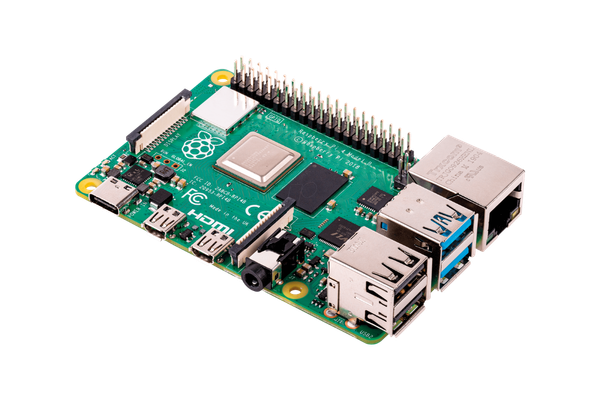
CM4 Helium miners & Raspberry Pi — flash the PiLoader OS image to a microSD card using the free Balena Etcher tool, slot it into your device, and boot. Takes about 20 minutes.
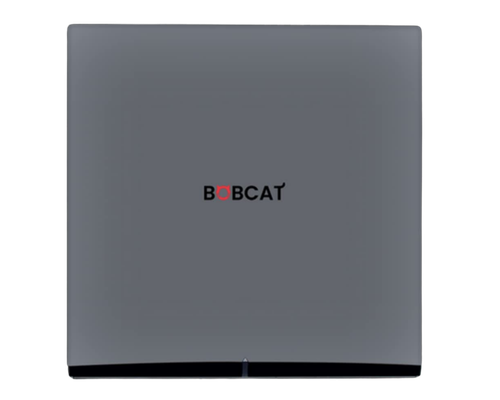
Bobcat 300 — serial 285 / G290 / G295 — check the serial number on the label underneath your miner, download the matching PiLoader installer for that model, connect your Bobcat via USB, and click Install. No SD card needed. Takes about 10 minutes.
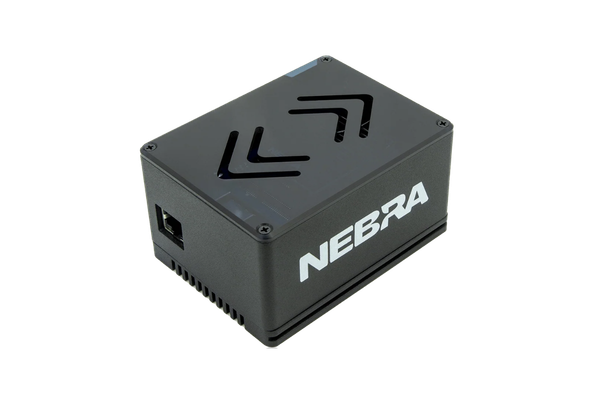
Nebra Indoor — flash the PiLoader installer to a microSD card with Balena Etcher, pop it into the Nebra, and it installs itself to the miner's internal storage and powers off. Remove the card, close it up, and boot. Takes about 20 minutes.
Nebra Gen 1 Indoor & Outdoor (CM3+) — flash PiLoader OS to a microSD card with Balena Etcher, then swap it in for the removable Nebra eMMC Key inside the miner. The card stays in as the boot drive. Takes about 15 minutes.
Bobcat 300 — serial 28 — flash the PiLoader installer to a microSD card with Balena Etcher, pop it into the Bobcat, and it installs itself to the miner's internal storage and powers off. Remove the card, close it up, and boot. Takes about 15 minutes.
Either way, once your device boots you open the dashboard from any browser on your home network and it's just point and click from there.
Pick your device to see the full guide →
Do I need to know Linux or coding?
Not at all. Everything in PiLoader OS is managed through a simple web dashboard in your browser. No command line, no config files, no technical knowledge required — if you can use a website, you can run PiLoader OS.
Should I flash PiLoader OS to my existing SD card?
No — and we strongly recommend against it. Always flash PiLoader OS to a brand new SD card and keep your original SD card in a safe place. This way your stock firmware is always one SD card swap away if you ever want to go back. A good quality 32GB microSD card costs a few dollars and gives you a complete safety net with zero downside. Your original setup stays completely untouched.
How do I connect to my dashboard after flashing?
After flashing PiLoader OS to your SD card and booting your device, the dashboard runs on your local network at port 8080. To connect:
Step 1 — Find your device's IP address. You have two easy options:
— Log into your home router (usually at 192.168.0.1 or 192.168.1.1) and look for a new device in the connected devices list
— Download and run
Advanced IP Scanner (free, Windows) and scan your network — look for a device named "piloader"
Step 2 — Open the dashboard. In any browser on your home network, type your device's IP address followed by :8080. For example:
192.168.0.103:8080
This will take you to the PiLoader OS setup screen where you'll create your dashboard password to get started. After that, bookmark the address for easy access going forward.
Will it void my miner warranty?
Since you're flashing PiLoader OS to a separate SD card and not modifying anything on the hardware itself, your original setup stays completely intact. Your stock firmware is safe on its original SD card, your hardware is untouched, and there's nothing that would affect your manufacturer warranty. You're simply swapping which SD card is in the slot.
What happens when my trial ends?
Your Helium IoT module keeps running — always. Helium stays active regardless of license status. All other earning modules are paused — no data, configuration, or identities are deleted. Your dashboard and settings remain fully accessible. Purchase a lifetime license and your other modules restart automatically. Click "Check License Status" on the Settings page for instant reactivation, or they'll resume on their own within 15 minutes. Everything picks up right where you left off.
What does "all future modules included" mean?
We're constantly adding new earning modules to PiLoader OS. Every module we release after your purchase is automatically available to you at no extra charge — forever. Your one-time PiLoader OS license covers everything we ever build. No add-ons, no upgrades, no surprises.
Can I use one license on multiple devices?
Each PiLoader OS license is tied to a single device — every device has its own unique hardware fingerprint so your license is locked to that specific machine. If you ever swap hardware, each license includes one free transfer so you're never stuck. If you have multiple miners or Raspberry Pis, the Fleet Pack covers up to 5 devices under a single license key — perfect if you have a stack of idle hardware ready to put to work.
What happens if my device dies or I upgrade? Can I transfer my license?
Yes — every license includes free transfers for exactly this reason. Single licenses include one free transfer and Fleet Pack licenses include three. Transfers are handled directly from your dashboard with no support ticket required. If you ever find yourself in an unusual situation, reach out to us at
[email protected] and we'll make it right.
How much can I actually earn?
Earnings vary by module, your internet connection, and crypto market conditions. We don't make specific earnings claims — crypto rewards fluctuate and every situation is different. What we can say is that running multiple modules simultaneously maximizes your chances of earning from your idle hardware. We recommend visiting each module's website to research current earning potential before deciding which ones to run — every project publishes their own stats and reward structures.
Does this replace Helium mining?
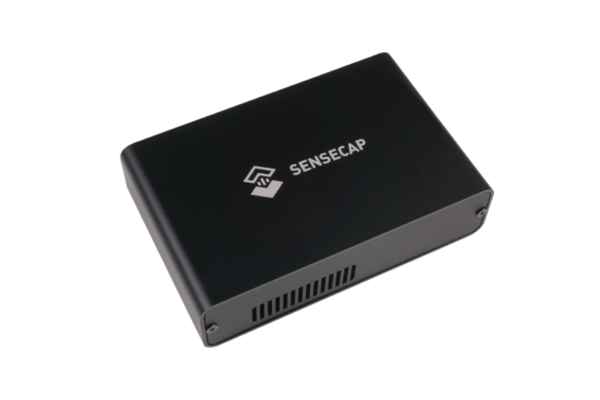
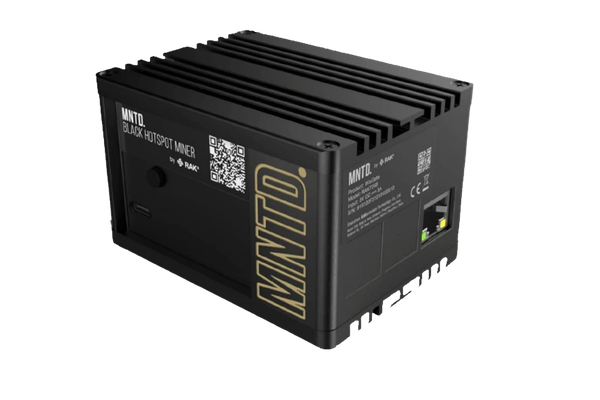
No — PiLoader OS keeps your Helium hotspot running with the same identity, and the Helium IoT module runs permanently on every device, no license required. Every Helium miner we support (SenseCAP M1, RAK V2, MNTD Gold/Black, Bobcat 300 G290/G295, and Bobcat 285) has an ECC608 hardware security chip that stores your Helium identity on the board itself. Installing PiLoader OS does not touch this chip. When you enable the Helium module from the PiLoader dashboard, it automatically detects your original hotspot key — your hotspot comes back online with the same 3-word animal name, same on-chain history. On top of that, you can unlock 15+ additional earning modules running simultaneously alongside Helium with a license.
Raspberry Pi (without a LoRa card) — The Helium module requires LoRa hardware and won’t be available. You can still run all other earning modules.
RAK V1, MNTD V1, and DIY builds — These older models store their Helium identity on the SD card, not an ECC608 chip. PiLoader OS will generate a new gateway identity. You can re-onboard as a data-only hotspot via the Helium Wallet CLI (~$1 in Data Credits). Your original SD card with your old identity is safe if you want to swap back.
My Bobcat 285 shows a Maskrom error or won't flash — what do I do?
If the Bobcat 285 Installer detects your Bobcat 300 (serial 285) but reports it's stuck in
Maskrom mode and can't install over USB, you can recover it with a MicroSD card instead. Our repair card boots the miner from SD, automatically reinstalls PiLoader OS to its internal storage, and powers the miner off when it's finished — no USB cable or special tools needed.
Open the Maskrom recovery guide →